Put your work where you want it
Choose separate folders for Cowork documents and images, open them from Settings, and clean temporary files without touching your work.
Run powerful AI models right on your own computer. Private by default, unlimited, and built to work offline.
Your models and saved work stay on your computer. Chat, images, and Cowork run locally; Web Research connects to public search only when you turn it on.
Chat and image generation are free, with no limits. Generate as much as you want. No per-image fees, no token meters, no quotas.
Download, sign in once, and go. The app picks the right model for your computer and sets it up for you. No Python, no command line.
Turn on Web Research for questions that need current information. Local AI Studio searches public pages, reads the sources, checks factual claims, and saves a cited report to your Library.
Ask for official sources and the research stays on first-party sites. Web Research is opt-in and is the one mode that connects to public search and page-reading services.
Plan comparison
Web research document
Current official pricing and included features, checked against first-party sources.
| Plan | Monthly | Annual |
|---|---|---|
| ChatGPT Plus | $20 | Not offered |
| Claude Pro | $20 | $17 equivalent |
Choose separate folders for Cowork documents and images, open them from Settings, and clean temporary files without touching your work.
Search and filter every saved document, preview earlier versions, and restore one without losing the version you replace.
Generated and edited images now live in a focused Gallery, while Library is reserved for documents and research reports.
Ask questions, draft and rewrite, and think out loud with an assistant that runs entirely offline. Nothing you type is sent anywhere. It answers your question instead of lecturing you, with no arbitrary limits on your lawful work.
Turn a prompt into a finished image in seconds, right on your own GPU. Make as many as you want. There's no credit counter and no cloud bill. You get high-quality 1024x1024 images by default, full creative control, and no arbitrary content blocks on lawful work.
See system requirements.
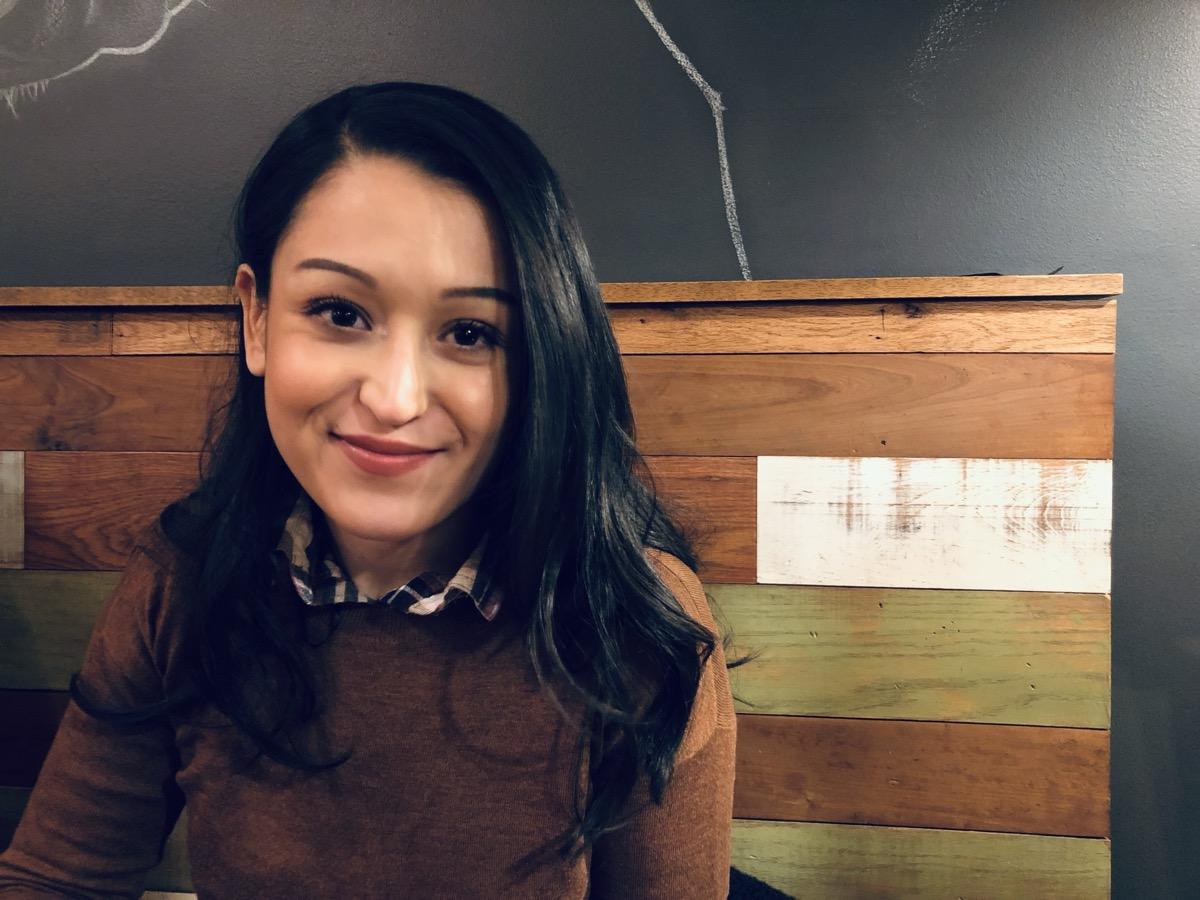
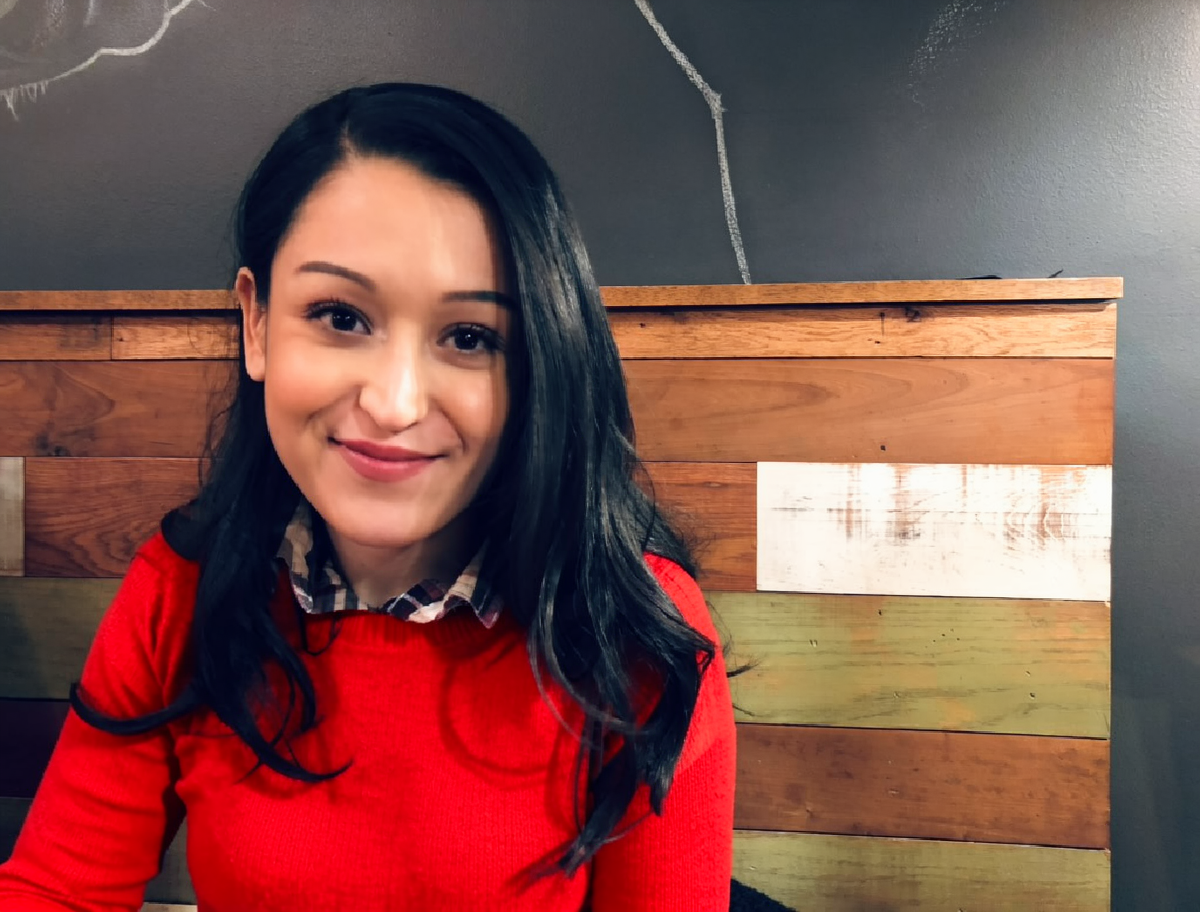
Start with an existing photo and ask for the change you want. Local AI Studio can keep the subject and scene intact while making a focused edit, all from a simple prompt.
Read, edit, or create documents from scratch with a private AI collaborator. Draft tables, notes, and structured files; every created or edited file is saved to your Library with version history, so you can review or restore earlier work.
# Top 25 Spanish Verbs

| Spanish | English | Pronunciation | Present (yo / tú / él) |
| --- | --- | --- | --- |
| ser | to be | sehr | soy / eres / es |
| estar | to be | ehs-TAR | estoy / estás / está |
| tener | to have | teh-NEHR | tengo / tienes / tiene |
| hacer | to do | ah-SEHR | hago / haces / hace |
Ask a question that needs current information. Web Research searches public pages, prioritizes official sources when you ask, checks factual claims, and saves a cited report to your Library. It connects to public search and page-reading services only when you turn it on.
Every report includes its sources.# AI plan comparison ## What I checked - Current pricing and billing options - Included features and usage limits - Availability by platform ## Sources 1. OpenAI Help Center 2. Claude pricing page
Chat, image tools, document creation and editing, and cited Web Research are available today. More creative tools are on the way.
Private, offline AI chat. Free and unlimited.
Unlimited image generation on your own GPU. Free.
Create, revise, and restore documents with a private AI collaborator.
Research current public sources and save a cited report to your Library.
Edit and refine your images with AI, right on your machine.
Draft documents, set reminders, and automate your daily tasks.
Generate natural, expressive AI speech, fully offline.
Turn a text prompt into video on your own hardware.
Shape the assistant's voice and style to fit how you work.
Reach your studio from your phone, privately and securely.
The minimum hardware each feature needs, on each platform.
macOS 13+ on Apple Silicon (M1 or later), 8 GB unified memory
Apple Silicon (M1+), 8 GB unified memory, ~2 GB free disk
Apple Silicon (M1+), 16 GB unified memory, ~12 GB free disk
Windows 10/11 (64-bit) with a dedicated NVIDIA or AMD GPU (6 GB VRAM)
64-bit Windows 10/11, dedicated NVIDIA/AMD GPU (6 GB VRAM), 8 GB RAM, ~2 GB free disk
64-bit Windows 10/11, dedicated NVIDIA/AMD GPU with 8 GB VRAM, 16 GB RAM, ~12 GB free disk
Free to use. Core AI runs entirely on your computer.
Version 0.6.2
Windows 10/11, 64-bit, signed installer
macOS
Open the DMG, move Local AI Studio to Applications, then launch it normally.
Windows
Run the installer after download. If Windows SmartScreen appears, choose More info, confirm the publisher is Lane Fries, then choose Run anyway.
Yes. The AI models and your saved work stay on your computer. Standard chat, image, and Cowork requests are processed locally. Web Research is an opt-in exception: it sends search queries to public search services and requests public pages so it can build a cited report.
Signing in, downloading the app and models, update checks, and content-blind success or failure signals use the internet. When you turn on Web Research, search queries derived from that request and the addresses of public pages are also sent to public search and page-reading services. We do not receive your research request, conversations, documents, or generated images.
Yes. After you sign in once and download the models, local chat, image tools, and Cowork work without an internet connection. Web Research needs an internet connection because it reads current public sources.